


action per hour
Charge, hold or discharge — the rule the EMS can set.
Decision · switching signals
The Decision API tells your EMS each hour: charge, hold or discharge — for storage, wallbox and heat pump, from the Austrian spot price.
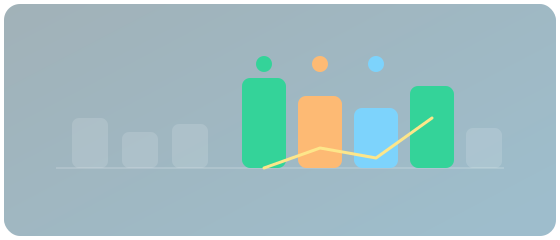
The battery is half full. Spot drops overnight. The house draws in the morning. Decision sets: hold, then charge, then discharge — the EMS does not hunt the curve itself.
A night as signals looks like this:
Illustrative example, not live data. Real signals need an API key.
Price, quantiles, then one command per hour.
The same 7-day prices as Forecast — exchange today/tomorrow, forecast after that.
P10 for charging, P90 for discharging: cautious enough for storage and wallbox.
Charge, hold or discharge — ready for a relay, PicoC or REST poll.
One call to GET /v1/decision returns the hour, not a raw chart.
action per hourCharge, hold or discharge — the rule the EMS can set.
price_basisOften P10 when charging, P90 when discharging: the same band as in the live chart.
Not just the next three hours — the horizon covers the week.
Hours says how many hours the plant needs. Cheap-hour windows pick the N cheapest hours. Decision signals give every hour a command: charge, hold, discharge.
Neither charge nor discharge: keep the battery, pause the wallbox, don’t push the heat pump extra. The EMS stays still until the next cheap or expensive hour.
No. This page explains the benefit. Parameters, fields and examples are under Decision docs. Quick start in the portal after Community login.
Community to try. Spec to integrate. Windows and Hours when you need an hour count instead of continuous control.